Bluefin Fitness
Bluefin Fitness Dual-Motor 3D Vibration Plate
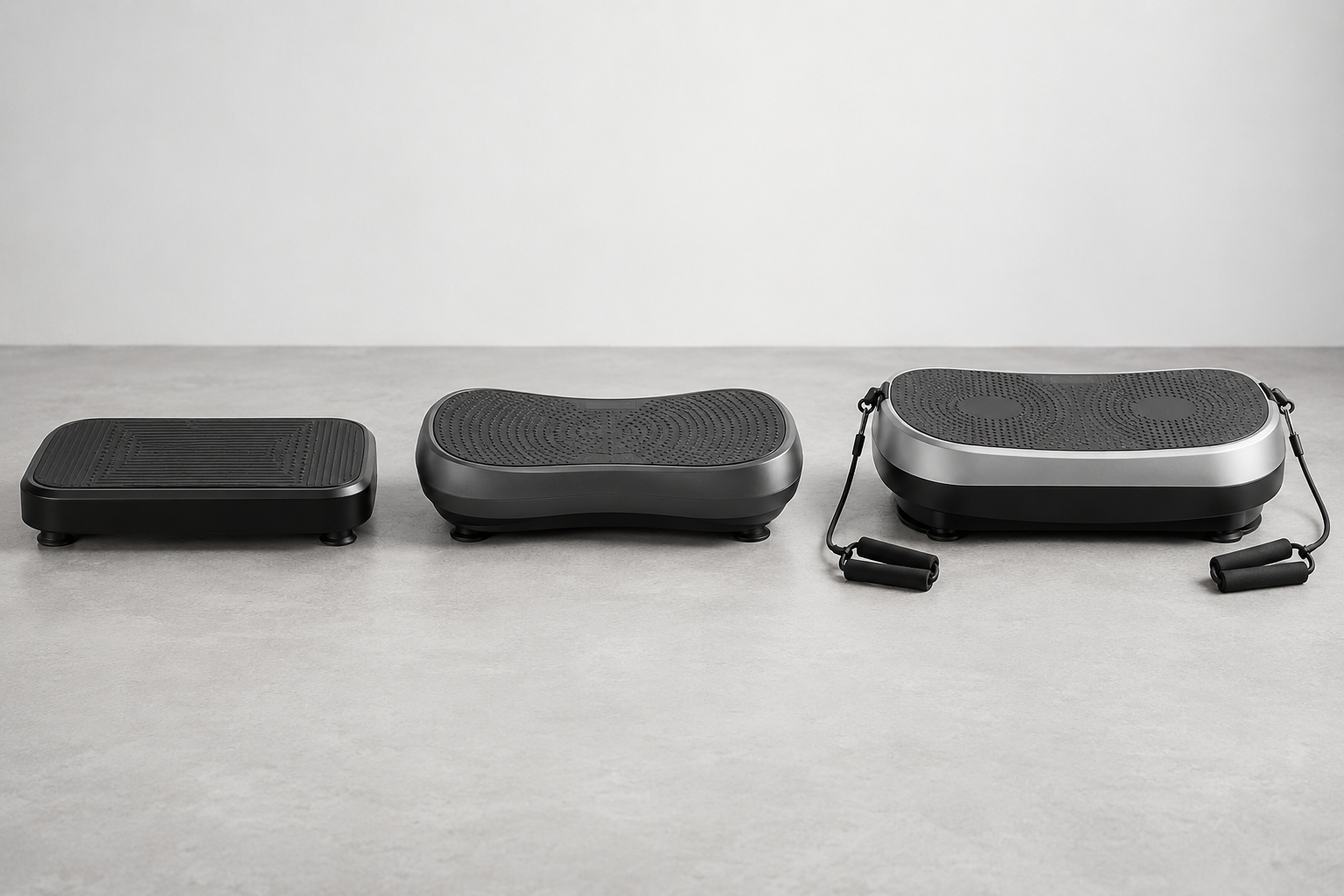
A dual-motor Bluefin model with a larger home-training footprint.
When a vibration plate remote stops working, the quickest fix is usually found by separating remote problems from machine problems. Confirm that the plate works from its onboard controls, then check the battery, orientation, line of sight, and pairing procedure in that order. Avoid repeatedly pressing random button combinations; some remotes use distinct lock, program, or pairing states that become harder to diagnose after several changes.
Check the power switch, plug, safety key if fitted, and display. Use the controls on the plate to start and stop it at the lowest setting. If the onboard controls also fail, the remote is probably not the main fault. Unplug the machine, consult the troubleshooting section of the manual, and stop if there is a damaged cord, burning smell, or breaker trip.
Some plates accept remote commands only after the main power button has been pressed or while the machine is in standby. Others disable selected commands during a program. Place the machine in the exact state described by the manual before testing the remote from three to six feet away.
Open the battery compartment over a table so a coin-cell battery or tiny screw cannot fall into the machine. Note the positive and negative orientation before removal. Replace the battery with the exact size and chemistry shown in the manual or on the old battery. Remove any clear shipping tab that blocks contact.
Inspect the metal contacts for dust, corrosion, or flattening. Wipe dry dust with a clean cotton swab; do not flood the compartment with cleaner. Seat the new battery firmly and close the cover fully. If the remote has an indicator light, watch it while pressing a command. A light proves the button has power, though it does not prove that the signal reaches the plate.
For an infrared remote, point the top directly toward the receiver window on the machine. Remove objects, bright direct sunlight, and protective film that may block the sensor. Test close to the plate, then farther away. If commands work only at an angle or within inches, clean the remote lens and receiver window with a dry soft cloth.
Radio remotes may need pairing after a battery change or power interruption. Follow the exact model sequence, which may require holding a named button while the plate enters standby. Do not copy a pairing process from another brand. Power-cycle the machine only as directed, allowing the display to go fully dark before reconnecting it.
Test every button and list which ones fail. A single dead button suggests worn contacts or physical damage; all buttons failing points more often to the battery, pairing, or receiver. Check for a cracked case, sticky button, battery leakage, or evidence the remote became wet. Do not use a swollen or corroded battery.
Record the model number, serial number, remote markings, and steps already tried before contacting support. Order a model-specific replacement because similar-looking remotes can use different codes. If a verified replacement also fails while onboard controls work, the receiver may need qualified service. Opening either device can affect the warranty and expose electrical parts.
As an Amazon Associate, we may earn from qualifying purchases.
A dual-motor Bluefin model with a larger home-training footprint.
Troubleshoot from the machine outward: verify onboard operation, install the correct battery, clear the signal path, and follow the model’s pairing instructions. Those checks solve the common causes and produce useful evidence for support. A plate with broader power or control faults should be unplugged and assessed as a machine problem. Once operation returns, label the spare battery package with the remote model and remove old cells promptly. Store the remote in a fixed dry place away from the moving deck. If it is magnetic or has a cradle, confirm the storage position named by the manufacturer so it cannot vibrate loose during a session or fall unexpectedly.
Continue the Vibration Plate Remote Not Working: A Troubleshooting Guide decision in the full product catalog, brand directory, or vibration plate finder.